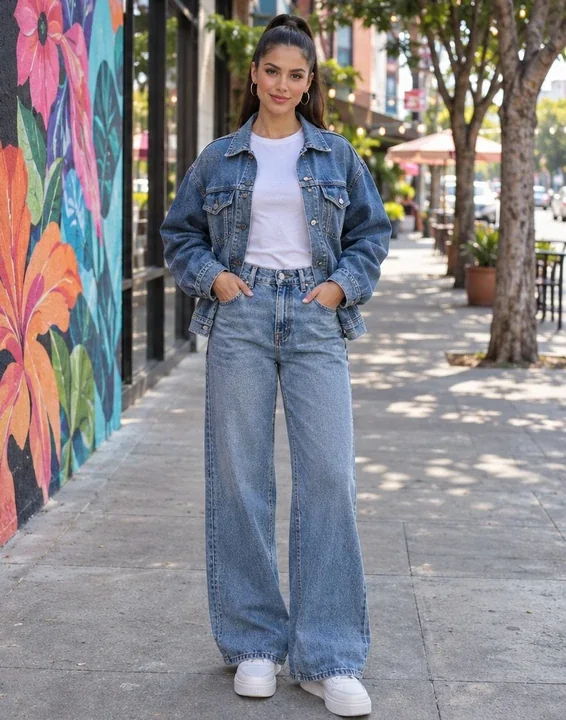
Tips for a great result


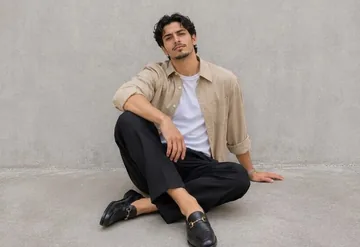
- Full body, one person in the photo
- Stand straight and face the camera
- No sitting, side or tricky poses
Try any outfit on your photo
Pick a look, add one photo and see yourself in it in seconds. Then try a new haircut, turn your photo into a styled portrait and smooth your skin — all in Tryco.

Drag to spin the runway · tap a look
Clothes Changer
Tap a look and watch the app’s sample photo change. The next look takes one more tap — no need to choose your photo again.
 Original
After
Your photo
Sample from the app
These are the app’s own sample photos. In Tryco you use your own photo; it’s sent to our AI service to create your result.
Picked for you
Previews from the app’s outfit library. In Tryco the outfit goes on your own photo.
Try On
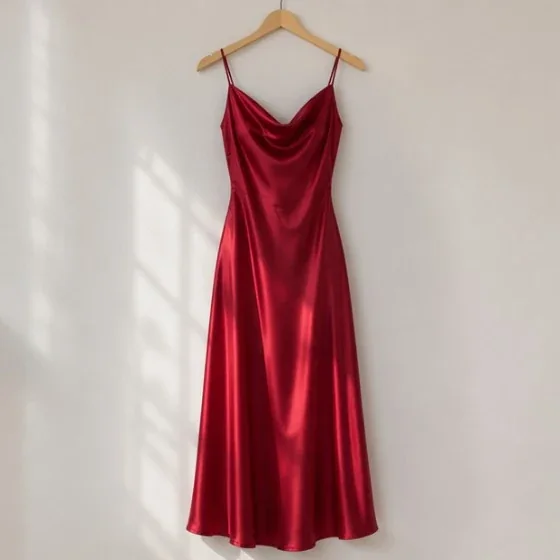
Add a photo of you, then a photo of the clothes.
Best: one outfit, laid flat or on a hanger, plain background.
1You
2Outfit
Hair Changer
Bobs, pixie cuts, curtain bangs, curls, waves and fades — and colors like copper, platinum and pastel pink. See them on you before the salon.

Pick a hairstyle
AI Style
Previews from the app’s AI Style library. In Tryco the style is applied to your own photo.
Face Retouch
Reduce blemishes and smooth your skin in one tap, or try a face impression — then drag the slider to compare.
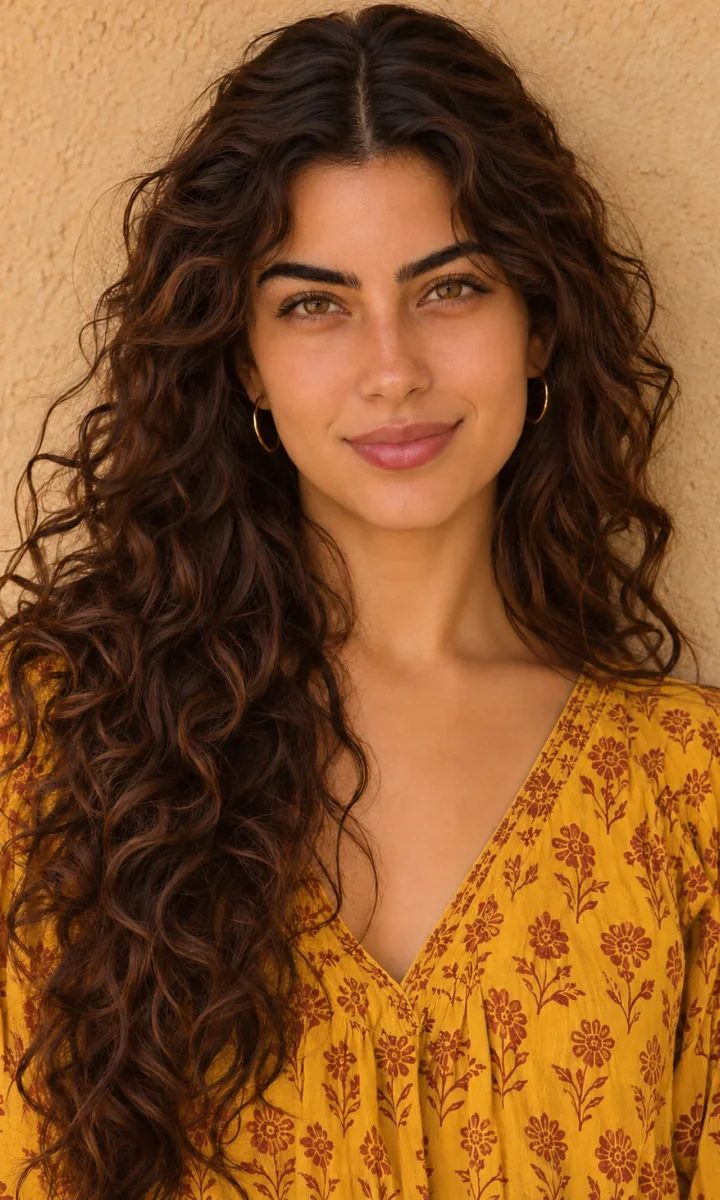
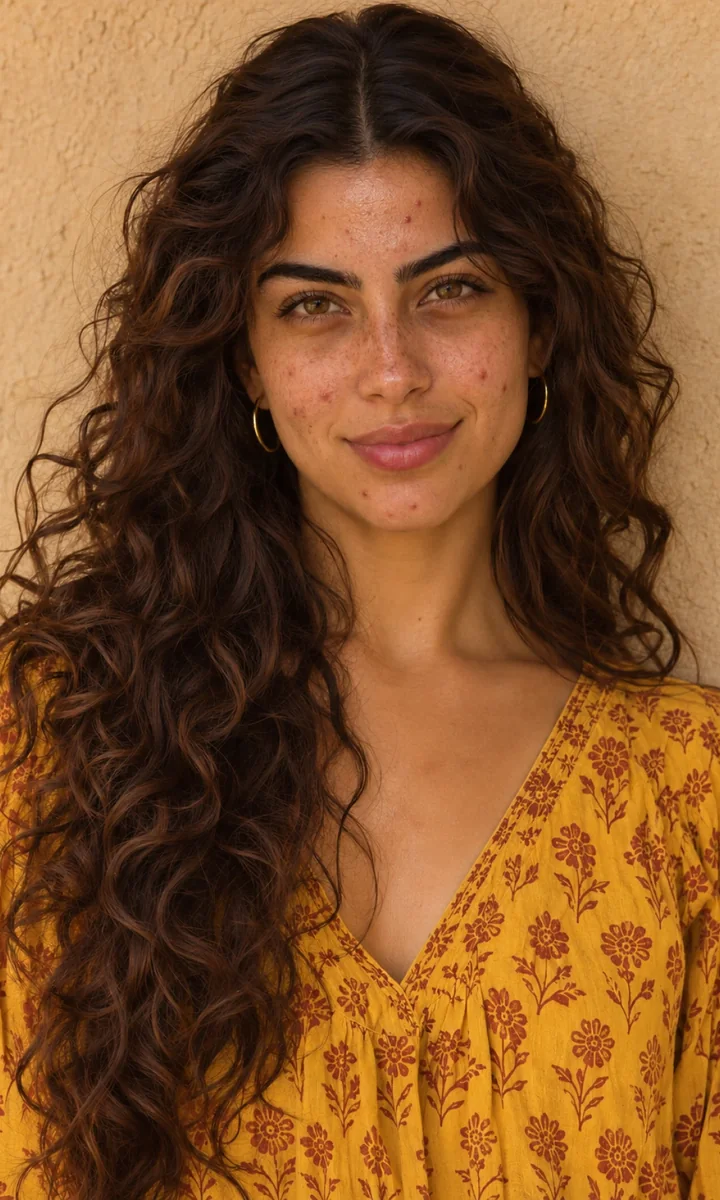 Before
After
Sample from the app
How it works
Choose a tool: Clothes Changer, Try On, Hair Change, AI Style or Face Retouch
Take a photo, or pick one from your albums
Select an outfit or hairstyle and tap Generate
Save and share your new look
No need to wait here. We'll notify you when your photo is ready.
Better results


Something off with a result? Report it from the result screen — reports are reviewed by our team.
All in one app
Five AI tools around your photo — and every result waits for you in History.
Free on Google Play
Get Tryco, add one photo and try on outfits, hairstyles and styles — then save and share your favorite looks.



Tryco: AI Clothes Changer
Scan with your phone camera